
Find thin walls in Blender before slicing: set Thickness in the 3D-Print Toolbox to your minimum wall, click Thickness and fix only what it selects.
Author Archives: Thomas
Add Archimesh windows in Blender without fighting the 3D cursor
Add Archimesh windows in Blender: snap the 3D cursor to the opening, add Window, then move and rotate the parent object so the glass sits in the wall.
Add Archimesh doors in Blender without fighting the 3D cursor
To add an Archimesh door in Blender, enable the Archimesh add-on, snap the 3D cursor to the centre of the opening with Edge Center snapping, then add Door from the Archimesh panel in the sidebar Create tab. Move the whole door with its parent, Ctrl_hole, and rotate the panel on Z to set the swing.Continue reading “Add Archimesh doors in Blender without fighting the 3D cursor”
How to Create a Detailed Call-Out in Blender: Step-by-Step Guide
Getting Started Call-outs are essential tools in design work, allowing you to highlight specific areas in a drawing or render. In this tutorial, we’ll walk you through creating a professional call-out in Blender. Whether you’re working on infographics, technical drawings, or creative designs, this technique ensures clarity and precision. Let’s dive in! Watch the TutorialContinue reading “How to Create a Detailed Call-Out in Blender: Step-by-Step Guide”
3D Modelling for Printing: Designing Models Specifically for 3D Printing
Welcome to this detailed tutorial on designing models specifically for 3D printing using Blender. This guide will walk you through the essential principles and practical steps to ensure your 3D models are optimized for successful printing. Whether you are a beginner or an experienced modeller, these insights will help you create high-quality, print-ready designs. TableContinue reading “3D Modelling for Printing: Designing Models Specifically for 3D Printing”
ScaleIt – Scale your Models for Print Add-On for Blender
Introduction The “ScaleIt“ add-on for Blender is a tool designed to facilitate the scaling of 3D models for print, based on the most common paper sizes. Its primary function is to adjust the active camera’s Orthographic scale and output resolution, ensuring that the 3D models are approximately scaled for printing purposes. This is particularly beneficialContinue reading “ScaleIt – Scale your Models for Print Add-On for Blender”
Blender Robot Arm Rigging and Animation
Rig a robot arm in Blender: add a bone chain, parent the mesh parts to the bones, limit each joint’s rotation, then animate it with keyframes.
Create a 3D Isometric Bathroom Scene in Blender 3D

Introduction Are you ready to dive into the exciting world of 3D modelling and rendering? In this beginner tutorial, we will guide you step-by-step through the process of creating a captivating isometric bathroom scene using Blender 3D. This will be the finished isometric bathroom scene and I’ll be highlighting the most important aspects of theContinue reading “Create a 3D Isometric Bathroom Scene in Blender 3D”
Ultimate 3D Printing Guide
Discover the world of 3D printing with this comprehensive guide that delves into its history, techniques, and applications. Learn how 3D printing, also known as additive manufacturing, transforms digital designs into tangible objects. Explore the various 3D printing technologies, including Fused Deposition Modeling (FDM) and Stereolithography (SLA), and understand their distinct approaches. This guide also highlights the practical uses of 3D printing in industries such as automotive, aerospace, and healthcare, and introduces you to 3D modeling software tools like Blender and FreeCAD. Whether you’re a designer, enthusiast, or someone curious about 3D printing, this guide offers valuable insights and resources to kickstart your 3D printing journey.
Blender Python Studio Setup
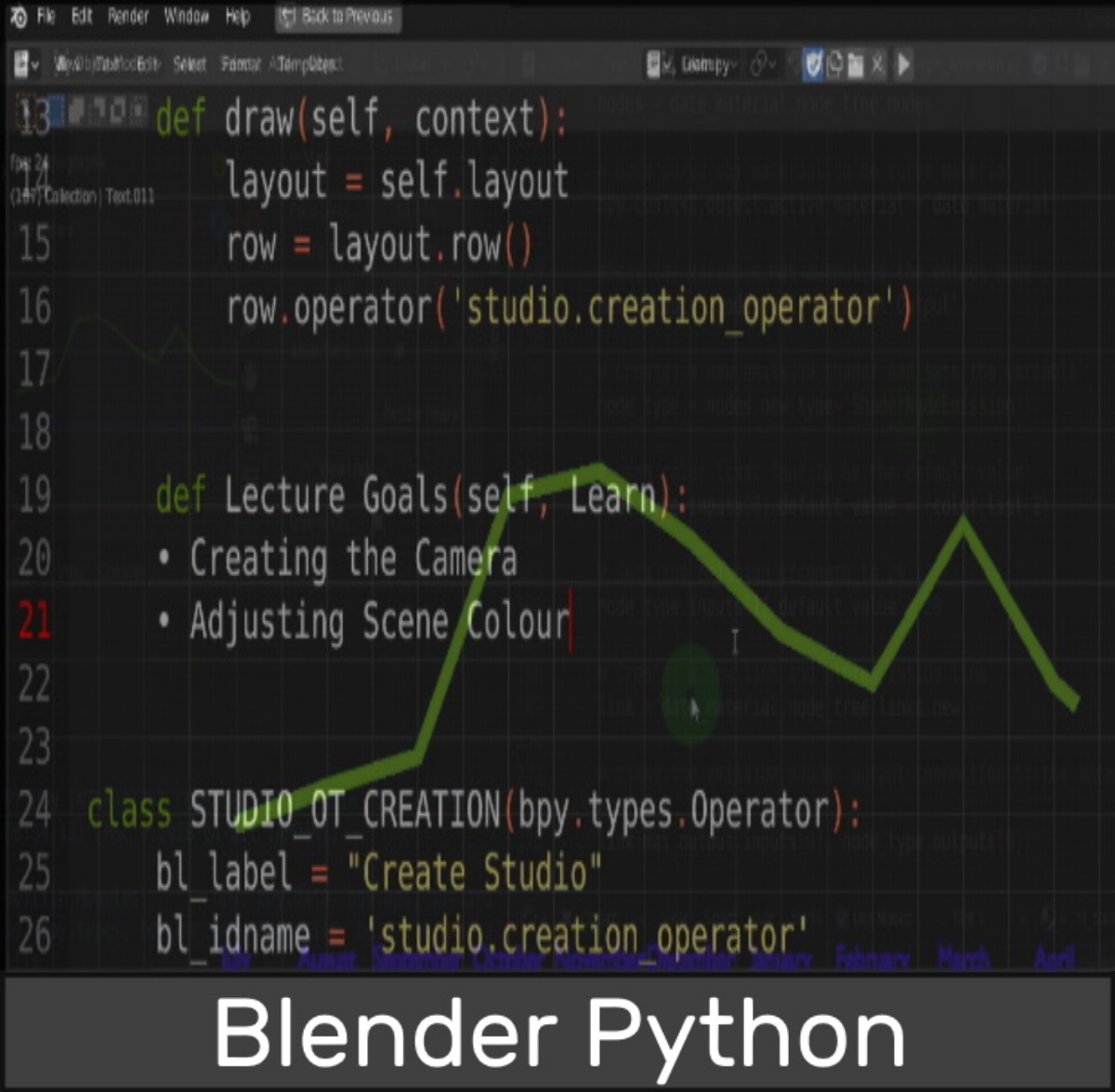
In this post I demonstrate how to access and change the settings of objects in Blender including the scene, light and camera while also swapping out the default cube for a plane. Having custom Python scripts can be useful and learning it in Blender a fun process. Copy and paste the llink below here toContinue reading “Blender Python Studio Setup”
