Home / Assets
Free Blender assets & shortcut cheat sheet
This page has free start files and asset packs from my tutorials (house, bathroom, robot arm and building files), a Blender shortcut cheat sheet with a printable poster for each mode, and a free browser game that tests your shortcuts. Further down are my Blender Blocks and Text2Asset add-ons.
1shortcut cheat sheet
12project files
1shortcut game
New course · Fix AI 3D models
Fix AI 3D Models in Blender: Repair for 3D Printing & Games
Find and fix reversed faces, holes, bad scale, broken UVs, missing textures and AI script errors in Blender. You do not need any AI tool: every broken model is included in the challenge files.
Printing your models? My 3D Printing from Zero to Hero in Blender course covers modelling for FDM and resin, STL export and slicing.
New course · Agentic AI
Agentic AI & AI Agents for Beginners: No Code
A no-code Agentic AI course for beginners. Build AI agents that handle email, calendar and research, with your approval before anything goes out.
Don’t Become the Default Cube
Test your Blender shortcuts: can you avoid becoming the default cube?
BlenderZen is an independent teaching brand. Not affiliated with the Blender Foundation.
Shortcut cheat sheet
Where can I get a Blender shortcut cheat sheet?
Use the cheat sheet on this site. Keep it open next to Blender while you learn, or print the poster for the mode you are working in.
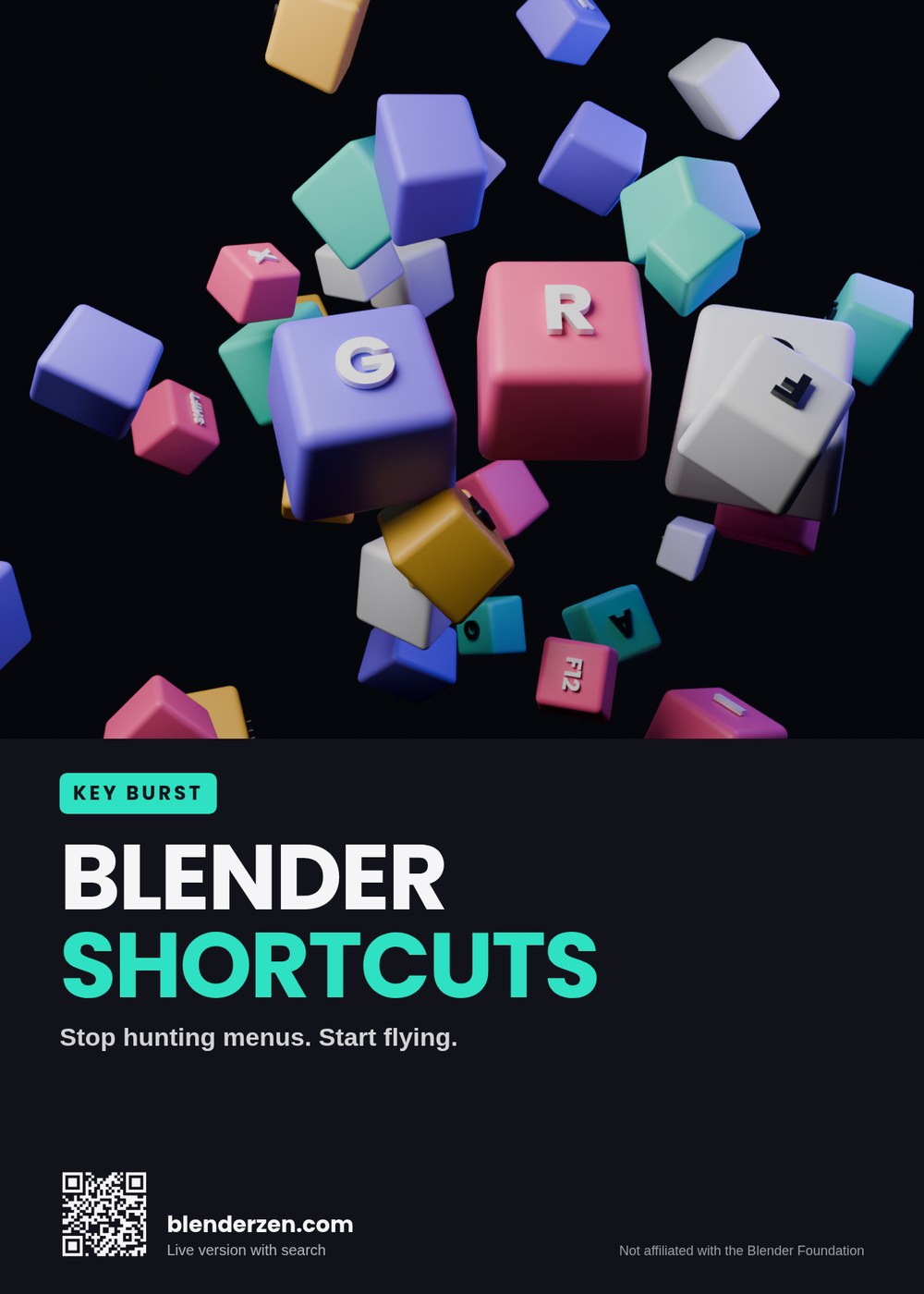
Blender shortcut cheat sheet
Every shortcut in easy tables, a free printable poster for each of the 15 sections, and the full guide as one PDF, all on the guide page. Search with Ctrl + F (Cmd + F on a Mac).
Editing video in Blender? The Video Editing in Blender course uses the keys on the Video Editing (VSE) tab of the cheat sheet. Writing scripts? See Python Scripting for Blender.
Tutorial files
Which tutorial files can I download?
These are the start files and finished assets from my YouTube tutorials. Download the .zip, unpack it, and open the file in Blender (or import the FBX) before you start the video.
FBX
House FBX file
The house model used in the Blender to Twinmotion tutorial.
MHX2
MakeHuman character
A MakeHuman character in MHX2 format for the MakeHuman, Blender and Unreal video.
.blend
MeasureIt drawing file
The 2D drawing used in the MeasureIt layout tutorial.
Assets
Blender to Unreal assets
The assets used in the Send to Unreal tutorial.
FBX
Animation Nodes building
The building FBX for the Animation Nodes tutorial.
FBX
Arch viz series, video 3 base file
The FBX base file for video 3 in the Blender arch viz series.
Assets
Asset Browser tutorial assets
The files for the asset library tutorial.
Assets
Isometric bathroom assets
Everything for the isometric bathroom scene.
.blend
Portico detail start file
The start file for the portico call-out detail.
.blend
Robot arm rigging file
The robot arm .blend from the rigging and animation tutorial.
.blend
Common Blender problems start file
A start file for working through common Blender problems and their fixes.
Add-ons
Which Blender add-ons does BlenderZen make?
Two add-ons, both on Gumroad. Price and licence details are on each Gumroad page.
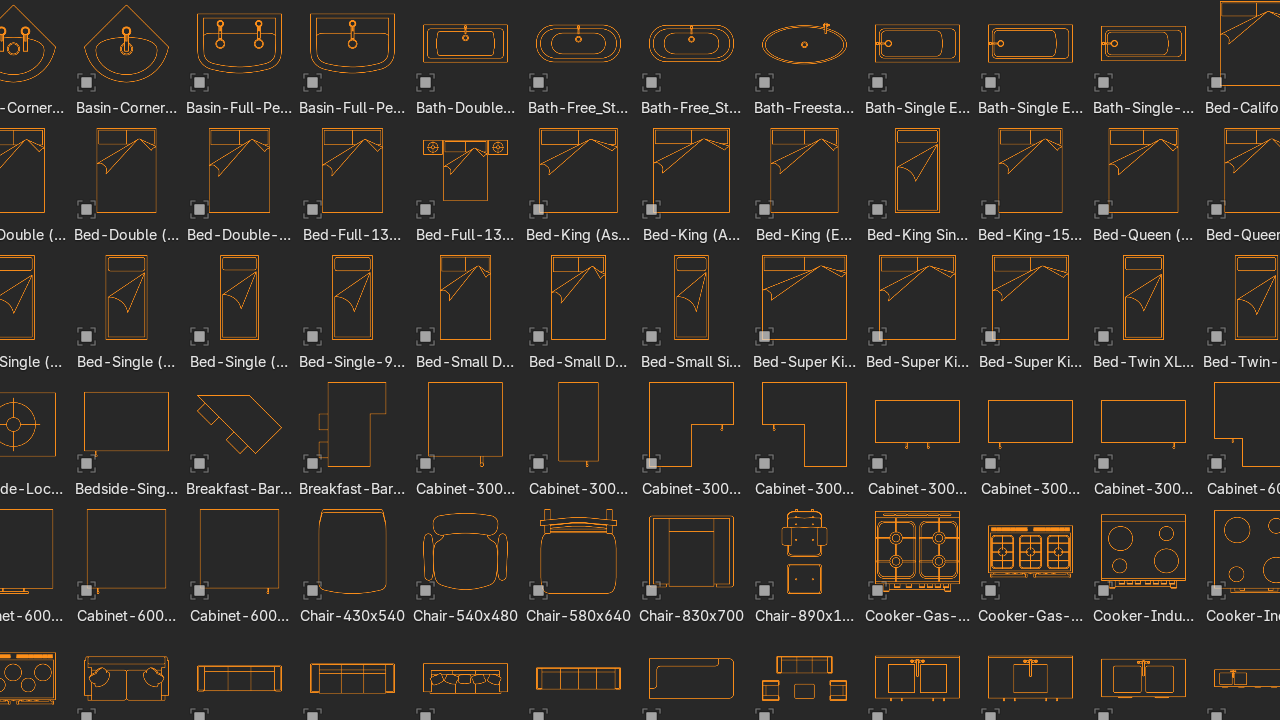
Blender Blocks
Ready-made blocks for laying out floor plans, rooms and furniture in Blender’s Asset Library before you model in detail.
Text2Asset add-on
The Text2Asset add-on for Blender. Try it with the free test library above, then get the add-on on my Gumroad page.
FAQ
Questions about the assets
Are these Blender assets free?
Yes. The tutorial files, the shortcut cheat sheet and its posters, and the shortcut game are free. Blender Blocks and Text2Asset are on Gumroad; see each Gumroad page for details.
Which Blender version is the shortcut cheat sheet for?
Blender 5. Rows marked ✓5.0.1 are checked against the Blender 5.0.1 default keymap; rows marked guide come from my earlier shortcut guides. It includes tabs for Python scripting and the Video Sequence Editor.
Where are the videos that go with the files?
On the tutorials page and my YouTube channel. Each file card above links to its video or written tutorial where there is one.
Is there a full course that uses these workflows?
Yes. The Udemy courses on the courses page go step by step, from 3D printing to house modelling. For houses and interiors, the archviz course guide helps you pick one.
