
Getting Started Call-outs are essential tools in design work, allowing you to highlight specific areas in a drawing or render. In this tutorial, we’ll walk you through creating a professional call-out in Blender. Whether you’re working on infographics, technical drawings, or creative designs, this technique ensures clarity and precision. Let’s dive in! Watch the TutorialContinue reading “How to Create a Detailed Call-Out in Blender: Step-by-Step Guide”
Category Archives: Uncategorized
Unlocking the Power of AI: A Comprehensive Course Guide

Introduction to AI Artificial Intelligence (AI) has captivated the world with its capabilities, reshaping industries and our daily lives. From Google’s DeepMind AlphaGo defeating world champion Go player Lee Sedol in 2016 to OpenAI making advanced models accessible to the public in 2023, AI’s journey has been nothing short of revolutionary. The “ChatGPT moment” hasContinue reading “Unlocking the Power of AI: A Comprehensive Course Guide”
3D Modelling for Printing: Designing Models Specifically for 3D Printing
Welcome to this detailed tutorial on designing models specifically for 3D printing using Blender. This guide will walk you through the essential principles and practical steps to ensure your 3D models are optimized for successful printing. Whether you are a beginner or an experienced modeller, these insights will help you create high-quality, print-ready designs. TableContinue reading “3D Modelling for Printing: Designing Models Specifically for 3D Printing”
ScaleIt – Scale your Models for Print Add-On for Blender
Introduction The “ScaleIt“ add-on for Blender is a tool designed to facilitate the scaling of 3D models for print, based on the most common paper sizes. Its primary function is to adjust the active camera’s Orthographic scale and output resolution, ensuring that the 3D models are approximately scaled for printing purposes. This is particularly beneficialContinue reading “ScaleIt – Scale your Models for Print Add-On for Blender”
Blender Robot Arm Rigging and Animation
Introduction In this post we’ll be rigging & animating a robot arm asset in Blender. You’ll find the robot arm demo file here, if you’d like to follow along. The post is also available as a video tutorial. Check out my character Modelling & Rigging course on Udemy for more indepth training. Rigs are madeContinue reading “Blender Robot Arm Rigging and Animation”
Create a 3D Isometric Bathroom Scene in Blender 3D

Introduction Are you ready to dive into the exciting world of 3D modelling and rendering? In this beginner tutorial, we will guide you step-by-step through the process of creating a captivating isometric bathroom scene using Blender 3D. This will be the finished isometric bathroom scene and I’ll be highlighting the most important aspects of theContinue reading “Create a 3D Isometric Bathroom Scene in Blender 3D”
Blender Python Studio Setup
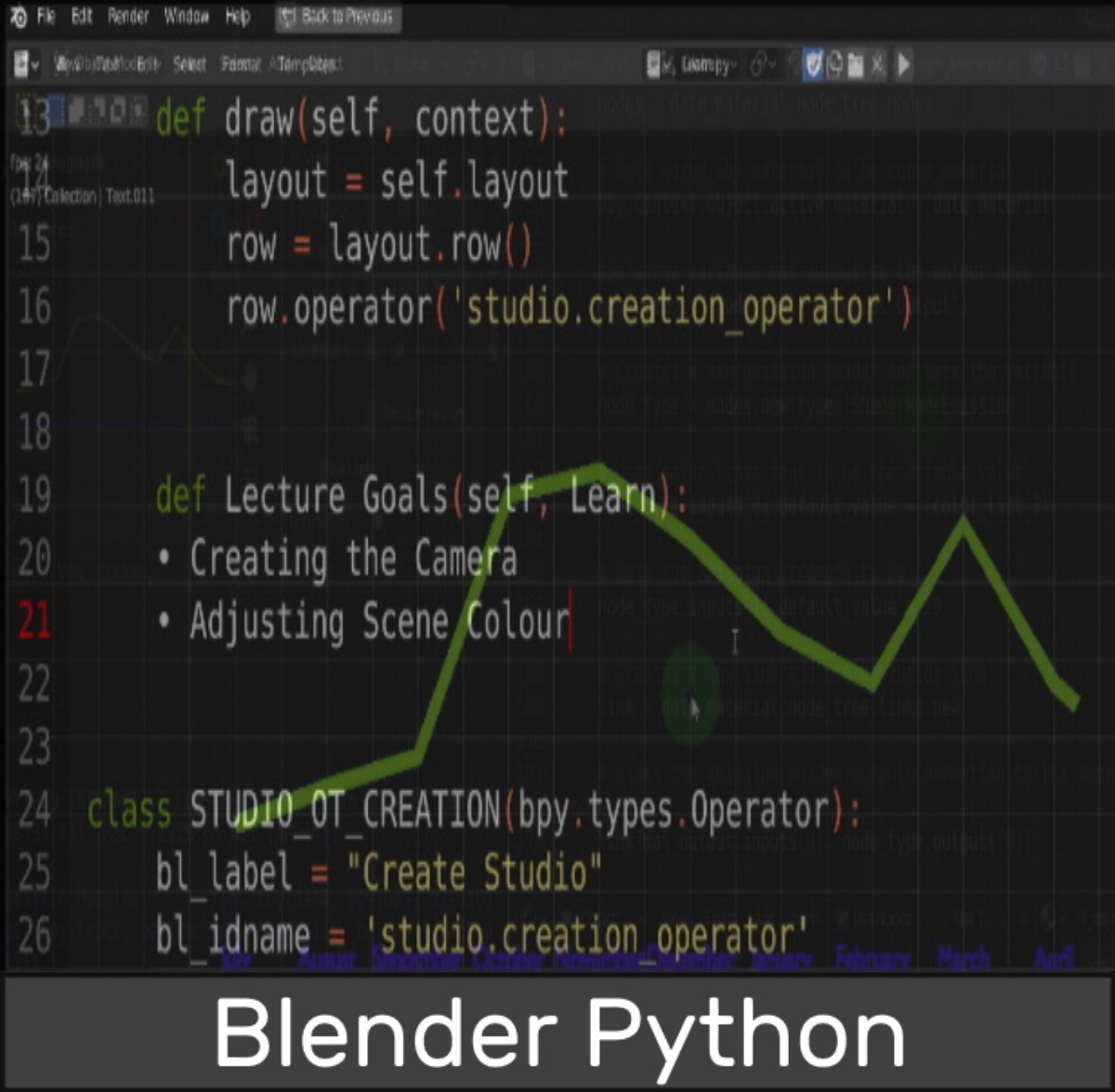
In this post I demonstrate how to access and change the settings of objects in Blender including the scene, light and camera while also swapping out the default cube for a plane. Having custom Python scripts can be useful and learning it in Blender a fun process. Copy and paste the llink below here toContinue reading “Blender Python Studio Setup”
3D Cursor in Blender Guide
Discover the power and versatility of Blender’s 3D Cursor with this insightful guide. Learn how this often-overlooked tool can streamline your 3D modeling process, enhance precision, and unlock new possibilities in your Blender workflow. From positioning and snapping to rotation and scaling, the article delves into ten compelling reasons why the 3D Cursor is an indispensable asset for both novice and seasoned Blender users.
The Archipack add-on in Blender

To get started with Archipack we first need to enable the add-on. Press F4 and open the file context menu and from here open preferences. On the left click and open the add-ons tab. (Start typing Archipack) I find typing up top can be the fastest way to find what your looking for. Enabling theContinue reading “The Archipack add-on in Blender”
Blender to Twinmotion Architectural Visualization

Take the Course Setting up and FreeCAD reference We begin by using a DXF file created in FreeCAD. The course required an accurate plan and instead of creating it in Blender this time I decided to take a look at the 2D capabilities of FreeCAD. FreeCAD is an open source parametric 3D modeler but hasContinue reading “Blender to Twinmotion Architectural Visualization”
 Discover Learn Create